
Overview
We will build an Agentforce agent to search Opportunities using a flow.
Steps
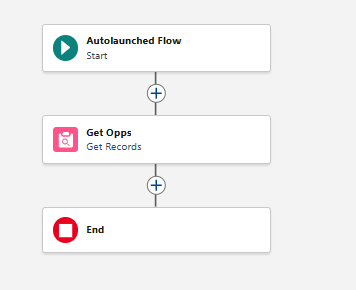
Create a opportunity flow: Setup → flow → New Flow → Autolaunched Flow → rename it “Get Opps”

Copy the flow format.
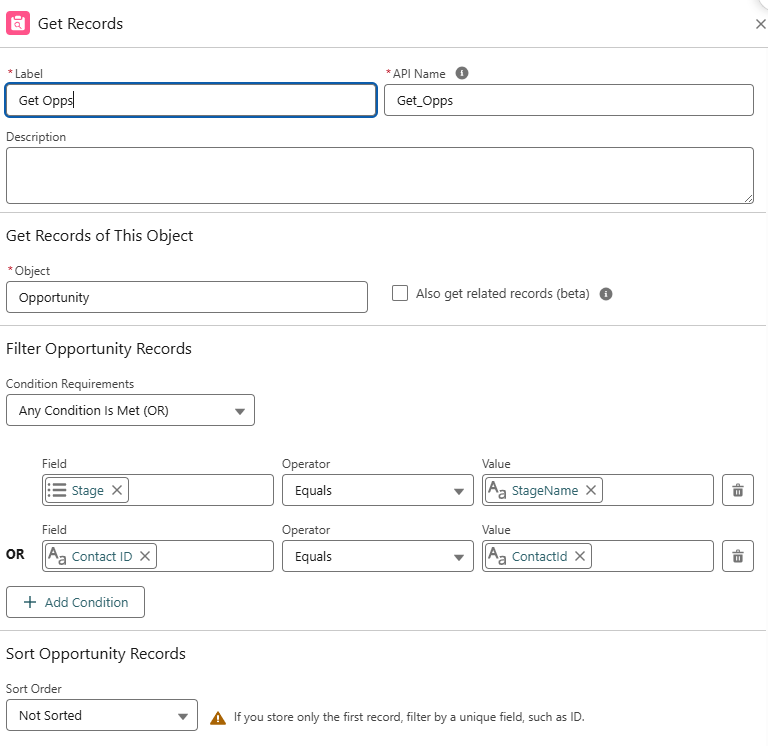
The get record component, fill it like this
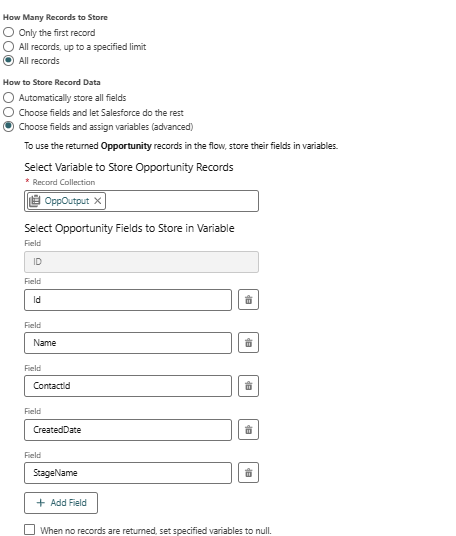
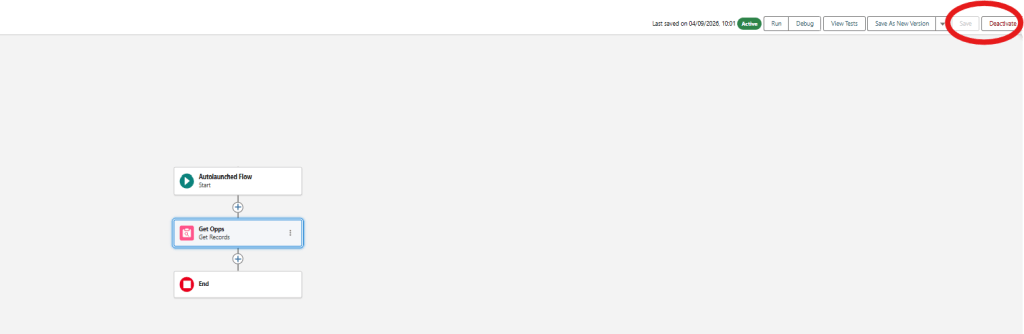
Save and Activate the flow
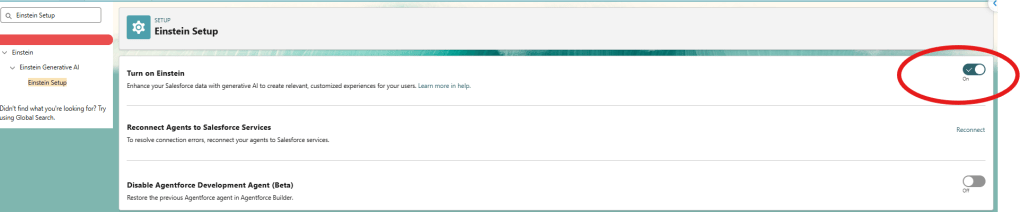
Turn on Agentforce, Setup → Search for “Generative AI” → open Einstein Setup, turn on “Turn on Einstein”
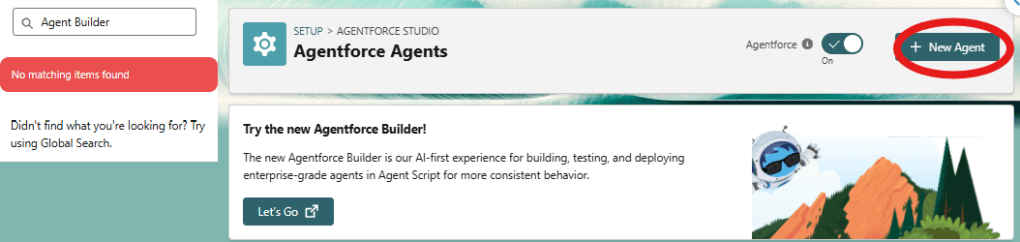
Search for “Agents,” → open Agentforce Agents → Toggle on “Agentforce”.

Create the agent: Setup → Agentforce Agents → New Agent → name it “Opportunity Gap Assistant” → Create from scratch → opens directly into Agentforce Builder.
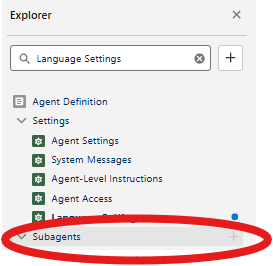
Create Subagent -> Select “New Subagent”
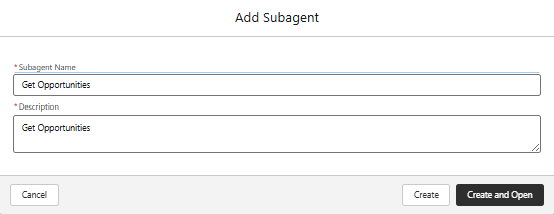
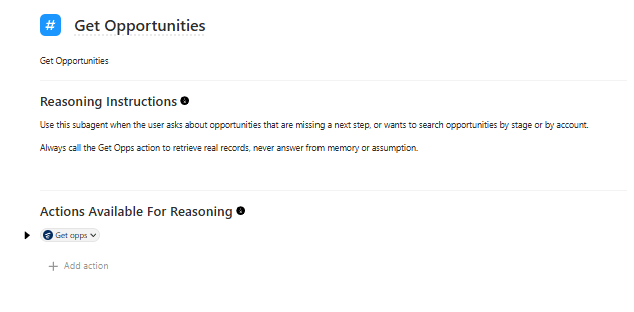
Add this Reasoning Instructions:
- Use this subagent when the user asks about opportunities that are missing a next step, or wants to search opportunities by stage or by account.
- Always call the Get Opps action to retrieve real records, never answer from memory or assumption.
Add the create flow to action
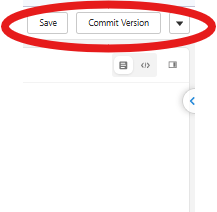
Save and Commit the agent
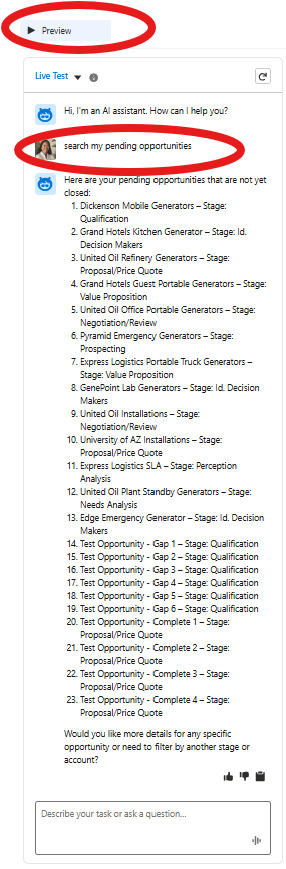
Click on “Preview” → type “Search my pending opportunities” → the opportunities will appear on the chat